Business web application · Integrations and AI
WorkAIFlow
Greater productivity and control of projects and tasks, from email to invoicing.

The starting point
A professional may receive a request by email, clarify it in a conversation, log hours in another tool and prepare an invoice later. WorkAIFlow is designed for freelancers and small service teams that need to connect these pieces.
The challenge
The challenge is to keep a clear link between what is requested, the work performed and what is prepared for invoicing, while retaining control over automated suggestions and keeping workspace data separate.
The solution
WorkAIFlow brings clients, projects, tasks and time together to improve productivity and keep daily work under control. Microsoft 365 conversations provide context and AI helps classify them. Quotes, expenses, reports and Veri*Factu invoicing complete business management in one tool.
Who it is for
Freelancers working by the hour or by project.
Small teams and agencies that need to share working context.
People responsible for reviewing time, quotes, expenses and billing.
From problem to functionality
From email to working context
- Need
- Requests and clarifications are scattered across conversations.
- How it works
- Microsoft 365 inbox and sent-mail sync, with manual or conversation-based task linking and access to the original message in Outlook.
- What it brings
- Helps users resume work with its messages, project and history close at hand.
AI that supports review
- Need
- Working out which messages need action takes attention.
- How it works
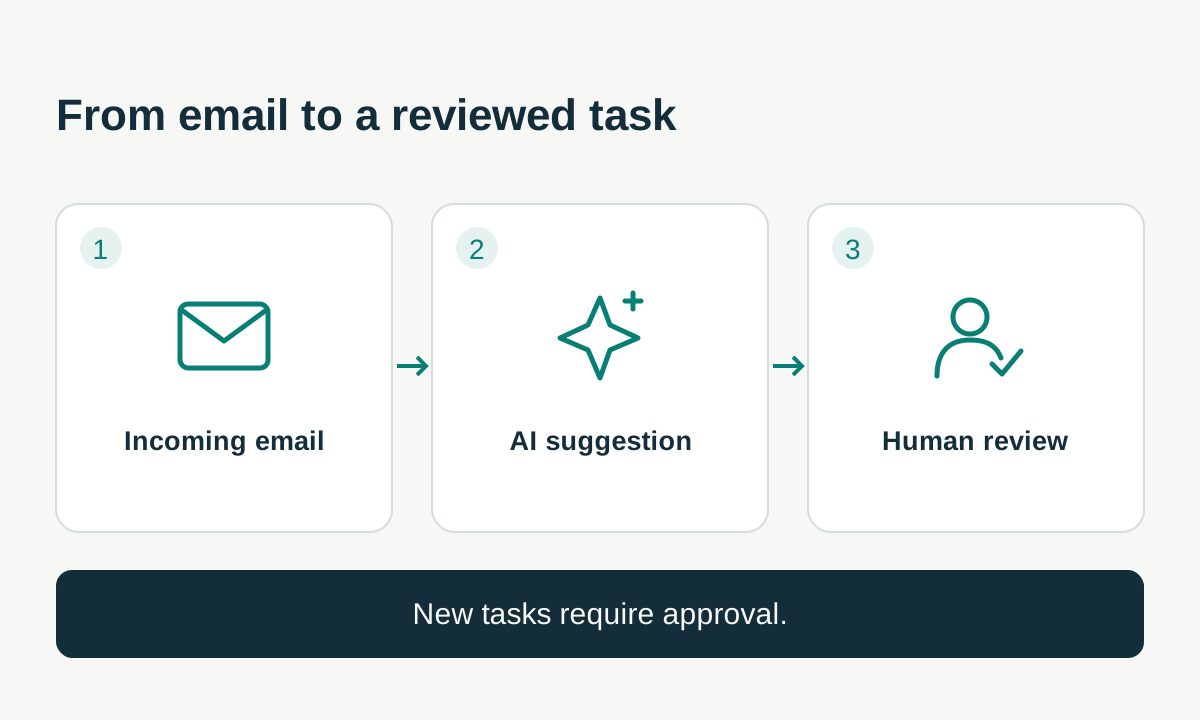
- AI classifies messages and suggests task links or new tasks. New tasks require human review; some classifications and links can be applied under restrictive rules.
- What it brings
- Helps users prioritise their inbox while keeping a record of suggestions and decisions.
Connected projects, tasks and time
- Need
- Without linking hours to each assignment, it is hard to see where effort goes.
- How it works
- Clients, projects, task statuses and editable time entries, with reports by client, project, task and date range.
- What it brings
- Provides a shared basis for reviewing workload and preparing invoices.
Invoicing with Veri*Factu (verifactu)
- Need
- Connect invoicing to recorded work and the Veri*Factu system.
- How it works
- Integration with Veri*Factu, also known as verifactu, with chained invoicing records, XML, QR codes and submission transport.
- What it brings
- An invoicing workflow connected to projects, tasks and time spent.
From work to quotes and invoice drafts
- Need
- Preparing commercial documents in separate tools means piecing information together again.
- How it works
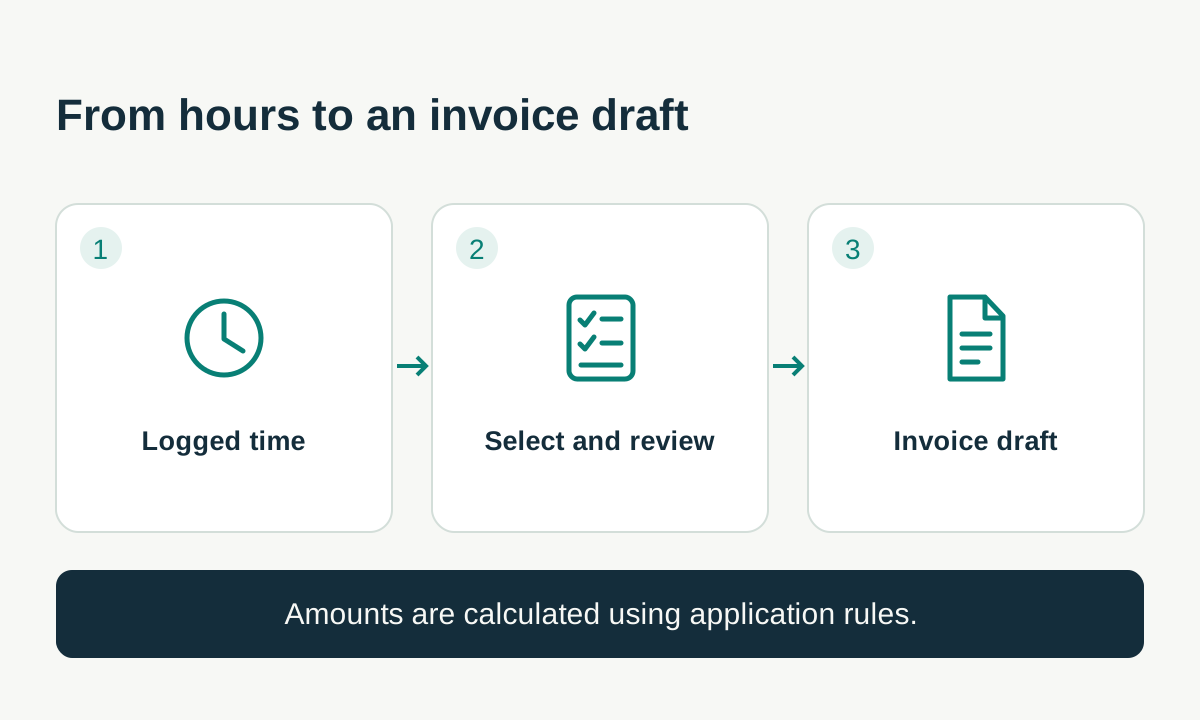
- Quotes with PDF output and status tracking, conversion of an accepted quote into an invoice draft, and drafts built from logged time. Amounts use deterministic calculation rules.
- What it brings
- Lets users review descriptions and amounts with a link back to recorded work; fiscal issuance depends on specific configuration and validation.
Expenses linked to source documents
- Need
- Scattered receipts make costs and possible duplicates harder to review.
- How it works
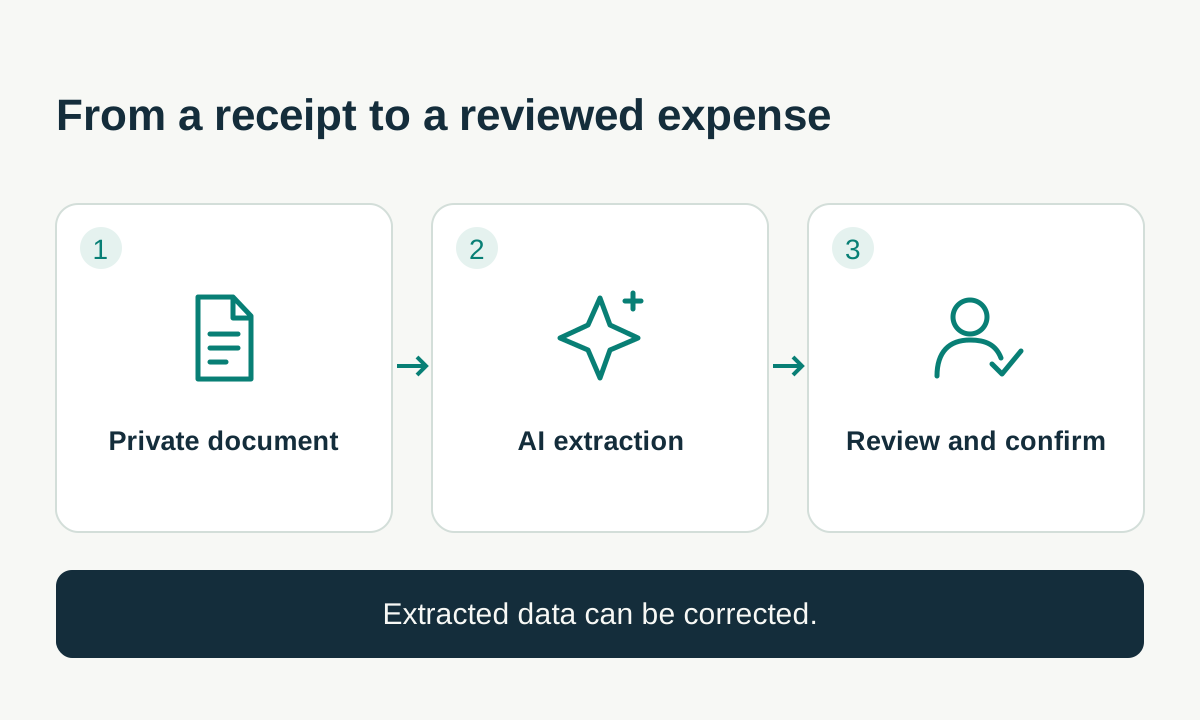
- Private document uploads, assisted extraction into an editable draft, categories, suppliers and duplicate warnings.
- What it brings
- Supports review before confirming an expense and keeps it linked to its source document.
Information for business reviews
- Need
- Work, income and expense data are hard to compare when kept apart.
- How it works
- Dashboards covering time, work valuation and billing, plus monthly, quarterly or annual Excel exports with summaries and detail.
- What it brings
- Helps prepare management reviews and share information with an accountant. Estimates are distinguished from issued invoices.
Bring existing time records along
- Need
- Changing tools should not mean entering an entire history again.
- How it works
- Toggl CSV import with row review and checks to avoid importing the same records twice.
- What it brings
- Brings existing time records into the same client, project and task context.
Workspaces and three languages
- Need
- Individuals and teams need to share information according to their responsibilities.
- How it works
- Workspaces with members and role-based permissions, two-factor authentication and an interface in Catalan, Spanish and English.
- What it brings
- Helps organise access and lets people work in their preferred language within one application.
Business benefits
- Less manual reconstruction of each assignment's context.
- Easier review of the relationship between work, time and documents.
- Automated assistance with human review points.
- Consolidated information to support decisions and business reviews.
Connected systems
Microsoft 365 · Microsoft Graph: Reads email and conversations; opens Outlook to continue work there. Does not send email from the application.
OpenAI API: Email classification, suggested descriptions and document extraction with structured output. Requires configuration and workflow-specific review.
Toggl · CSV: Imports exported files; this is not a Toggl API sync.
Excel · XLSX: Exports summaries and accounting detail to a file; this is not an ERP connection.
Amazon S3: Private document storage and integrity checks, dependent on service configuration.
Technical decisions
A modular application with shared components separates the interface, business rules and background processes.
PostgreSQL and Prisma relate clients, projects, tasks, emails, time and documents within each workspace.
AI returns structured data and keeps a record of suggestions. Financial calculations depend on application rules.
Automated tests cover business rules and selected workflows, with centralised translations in three languages.
Project scope
WorkAIFlow combines productivity, project and task control, and invoicing management. Microsoft 365, AI and Veri*Factu connections are configured for the environment and needs of each business.
Related services
Let's discuss your management tool
Want to connect requests, work and the way you manage your business? Tell CodiTacTIC how you work and which tools you need to bring together.
Contact