Custom web application · Business Intelligence · Integrations
BI and planning for an industrial business
Connecting sales, stock and production through shared reporting criteria.
The starting point
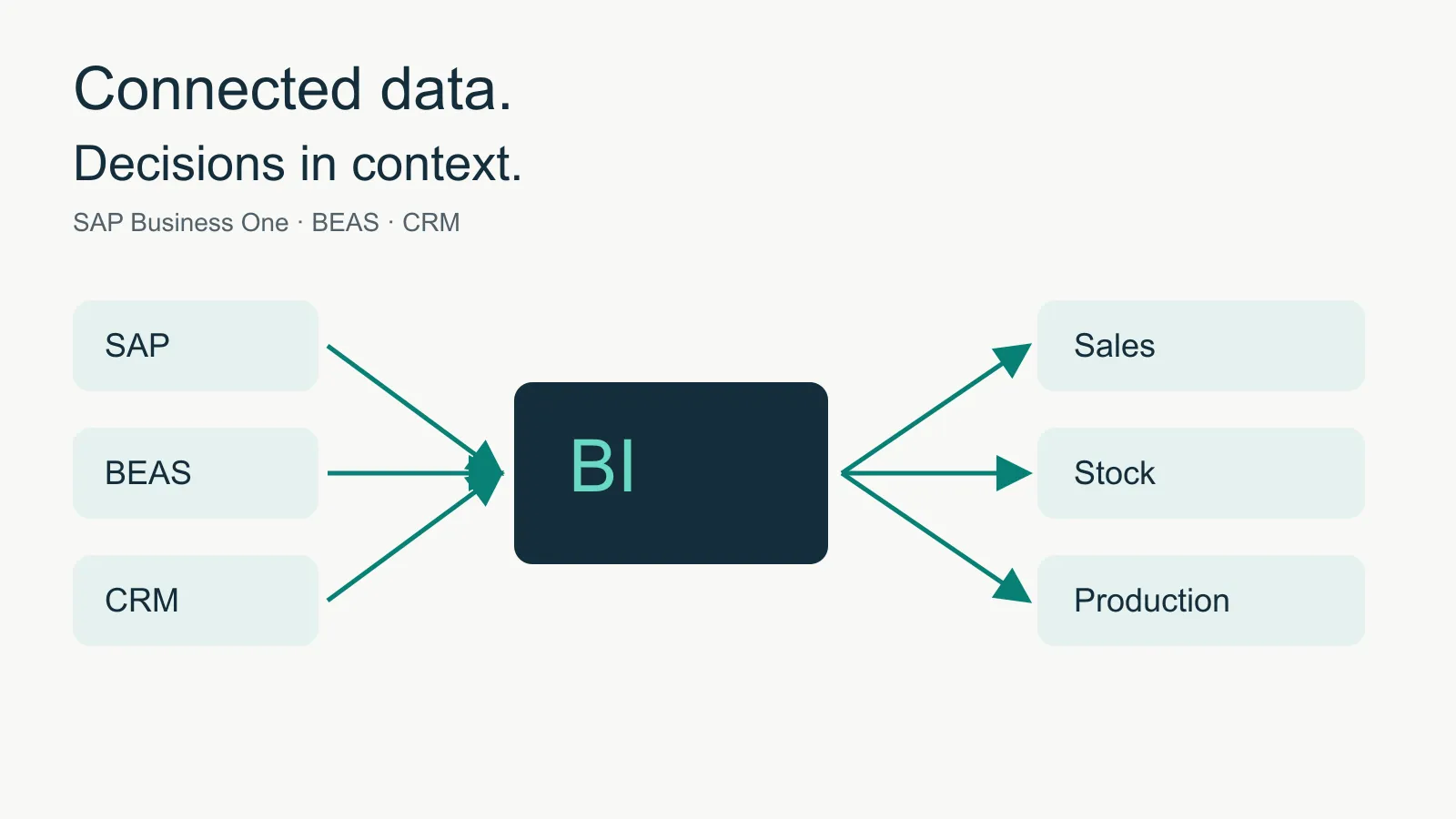
A business with sales and manufacturing operations needs to bring its systems together to review sales, stock and production using shared criteria.
The challenge
The technical challenge is to bring these sources together while keeping sales, stock balances, delivery commitments and manual forecasts distinct. Each indicator needs its own rules for dates, grouping and calculation.
The solution
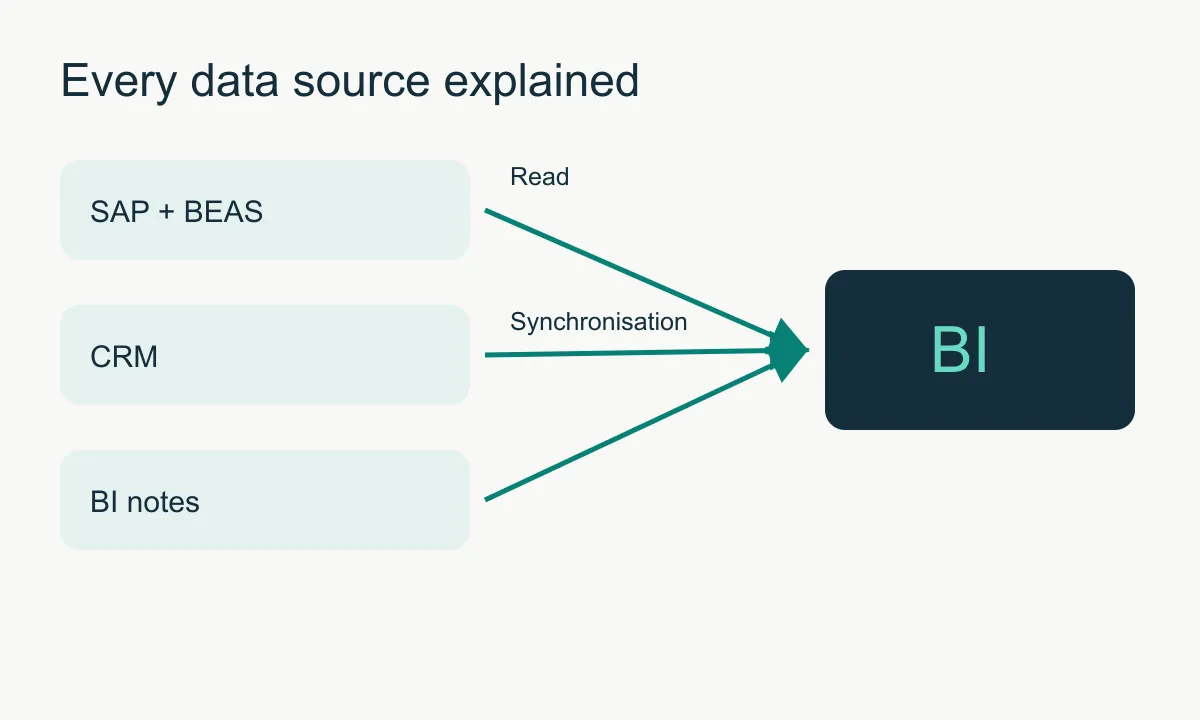
The application organises information into sales, purchasing, stock, service and production modules. It combines operational SAP queries with BI aggregates, synchronised CRM opportunities and manual data. Data source explanations describe where the information comes from and how it is calculated.
Who it is for
Designed for management, sales, purchasing, planning, production and administration teams. Permissions determine the information and actions available to each team.
From problem to functionality
Sales monitoring
- Need
- Compare activity against budget.
- How it works
- Weekly and monthly views of sales, margin, variances, opportunities and overdue receivables.
- What it brings
- Makes it easier to review variances in one place.
Purchasing and stock
- Need
- Understand availability and delays.
- How it works
- Warehouse summaries, slow-moving stock and details of outstanding items.
- What it brings
- Helps identify where purchasing or inventory needs attention.
Service indicators
- Need
- Review delivery commitments.
- How it works
- Indicators for items delivered on time, without a deadline and overdue, with supporting detail; the two delivery OTIF indicators shared with Purchasing are monthly.
- What it brings
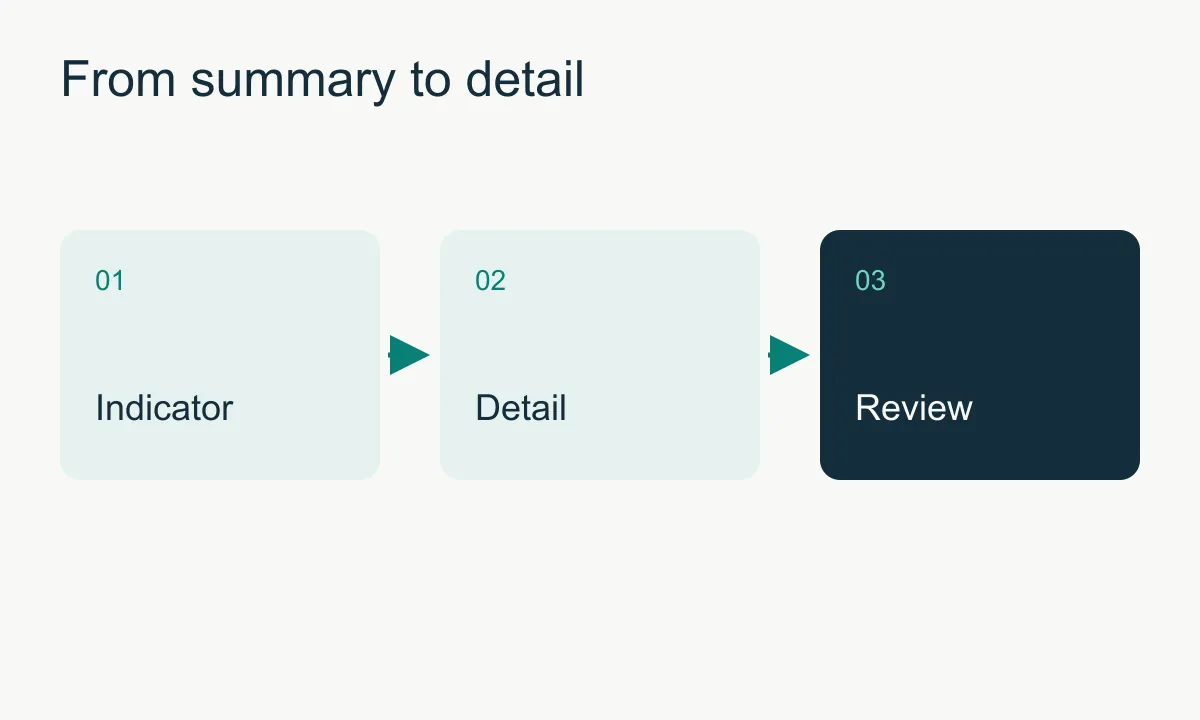
- Lets users move from a summary to the detail to investigate issues.
Production planning
- Need
- Coordinate manufacturing orders using operational information and manual decisions.
- How it works
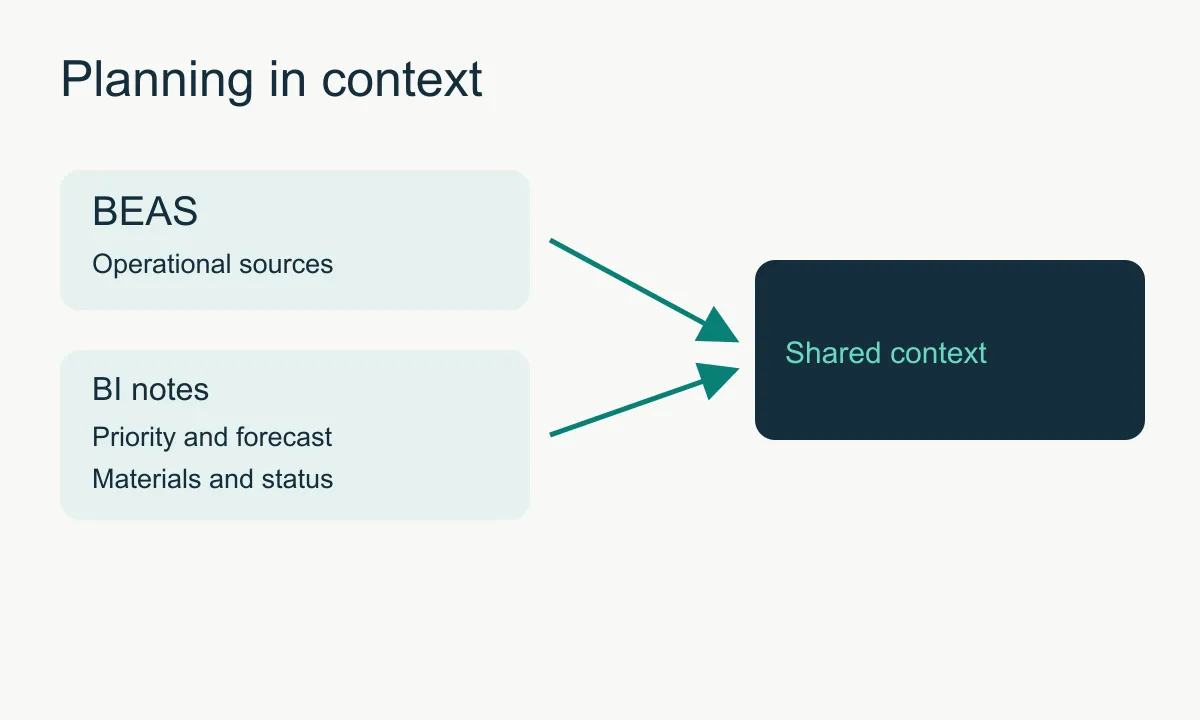
- BEAS data combined with priorities, urgency, planning status, forecasts, materials, handling and line-level conversations stored in the BI application.
- What it brings
- Helps share the context of each order without replacing its operational status in BEAS.
Targets and manual data
- Need
- Include indicators that do not come from operational systems.
- How it works
- A KPI catalogue, period-based targets and permission-controlled manual value entry.
- What it brings
- Allows reporting to reflect business criteria.
Access by responsibility
- Need
- Give each team access to the information and actions relevant to its work.
- How it works
- Google sign-in, authorised users and permission checks on pages and APIs.
- What it brings
- Allows viewing, planning and administration responsibilities to be separated.
Business benefits
- A more cohesive view of business data held in separate systems.
- More context for reviewing variances and manufacturing orders.
- Explicit calculation rules and a distinction between operational and manual data.
Connected systems
SAP Business One: queries for sales, purchasing, stock and operational documents.
BEAS: reads manufacturing positions and production activity.
CRM: synchronises opportunities from MySQL into BI; the dashboard does not query the CRM live.
Google: authentication for previously authorised users.
Technical decisions
Separate operational queries, aggregates and manual notes according to each module’s needs.
Keep business rules in code: periods, signs and handling of missing data.
Store planning notes in the BI application without writing them to SAP/BEAS.
Check permissions on the server and detect version conflicts when editing planning data.
Project scope
The BI application combines indicators, operational queries and planning notes. Historical data comes from available snapshots; detail views can query the current SAP state. Planning decisions remain with the team.
Related services
Let’s discuss your project
Need to connect your ERP to a management application or dashboard? Tell me which data you use and which decisions you want to support.
Contact