Business application · ERP integration
A custom CRM connected to SAP
Customer records, sales follow-up and ERP data in one workspace.
The starting point
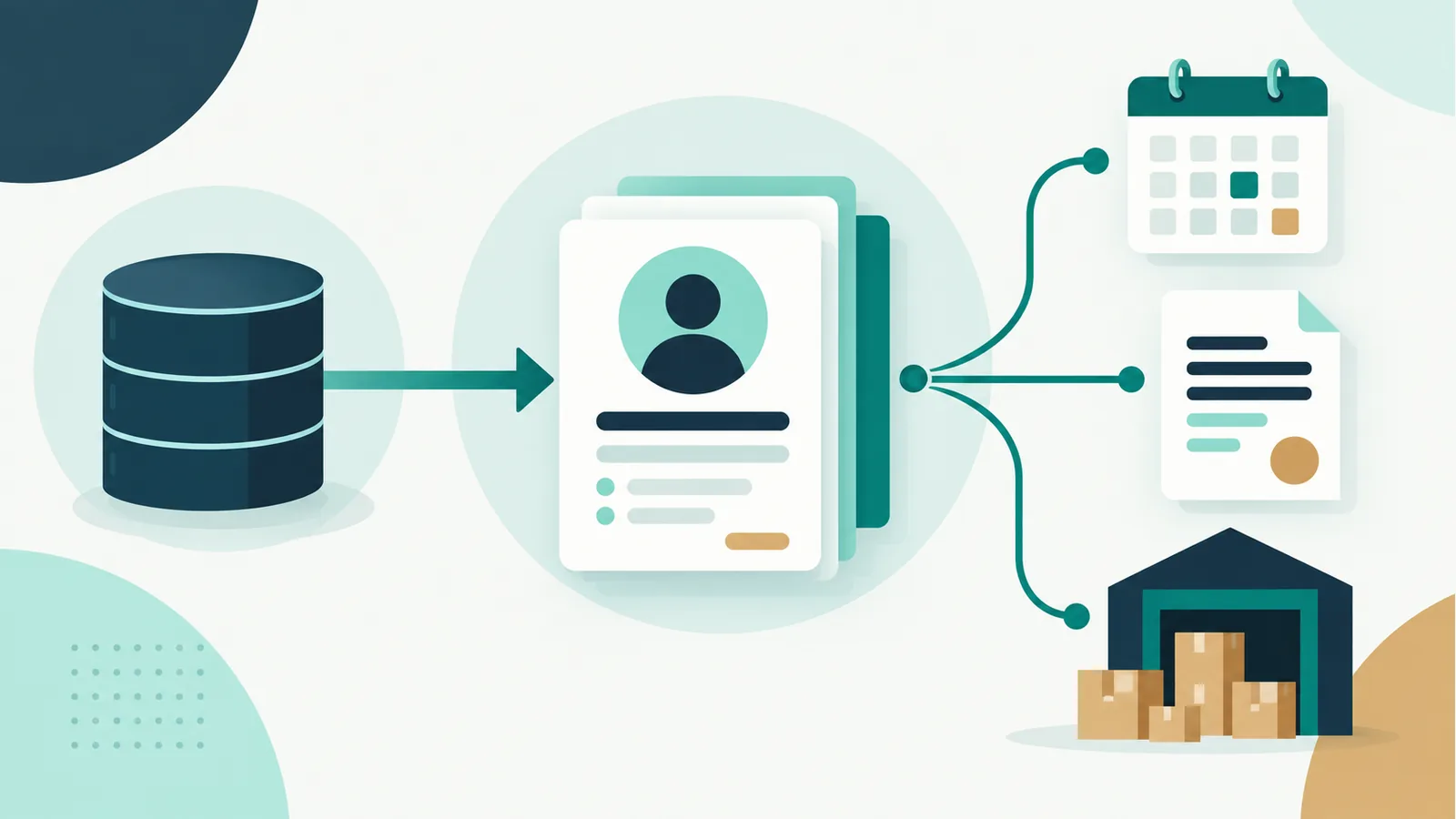
A business with a sales team, product catalogue and inventory management needs to connect customer follow-up with document and product information in its ERP.
The challenge
Maintain continuity in customer follow-up and make sales information accessible without rebuilding the context for every enquiry. Data also needs to be retained over time to study changes in stock and sales.
The solution
A custom web application combines customer records, visits, tasks, opportunities, quotes and sales enquiries. Import processes from SAP Business One populate the CRM’s MySQL database. The actual update frequency depends on how these processes are scheduled.
Who it is for
The interface caters for sales representatives, team leads, sales management and administrators, with filtering by profile. Some price-list enquiries also provide a customer view.
From problem to functionality
Customer context
- Need
- Prepare a conversation when information is scattered
- How it works
- A customer record with access to visits, tasks, quotes, invoices and outstanding deliveries
- What it brings
- Makes it easier to recover the context before contacting a customer
Visits and tasks
- Need
- Maintain continuity in sales follow-up
- How it works
- Visit records and lists of pending, future, completed and cancelled tasks
- What it brings
- Helps organise next steps and review recorded activity
Opportunities and quotes
- Need
- Understand the status of each sales activity
- How it works
- Lists by sales representative, status filters and a history of changes to quotes
- What it brings
- Makes open items and their follow-up easier to review
ERP data in the CRM
- Need
- Look up customers, products and commercial terms in the working tool
- How it works
- Schedulable data imports from SAP Business One to MySQL, with separate invoicing processes
- What it brings
- Can reduce the need to gather information manually across tools
Historical data for analysis
- Need
- Study stock and sales over time
- How it works
- Daily stock records by warehouse and monthly sales aggregates, with storage and queries
- What it brings
- Provides historical data for analysis; it does not imply a complete dashboard
Stock enquiries and export for a specific price list
- Need
- Identify ageing stock and share the details
- How it works
- A breakdown by inventory receipt, ageing indicators and XLSX export for one specific price list
- What it brings
- Makes stock easier to review and its details available in a spreadsheet
Business benefits
- More context available when preparing sales activity.
- Customer follow-up and sales activities in the same application.
- ERP data that can be reused for enquiries and analysis.
Connected systems
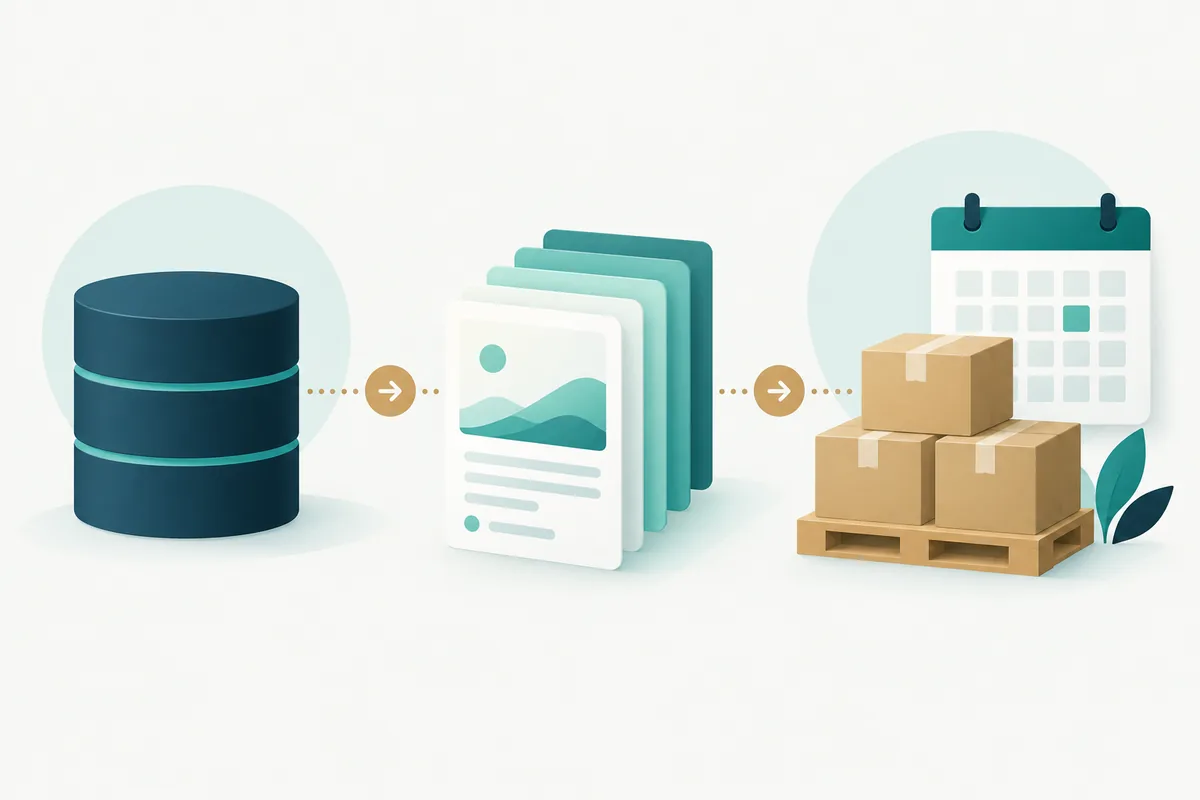
SAP Business One provides commercial data through SQL Server. Import processes bring it into MySQL for the CRM to query. Google Maps and Places support maps and visit records, while PHPMailer handles email delivery.

Technical decisions
The project uses PHP with domain classes and server-rendered pages, alongside JavaScript, jQuery, Bootstrap and DataTables in the interface. CRM data is stored in MySQL, while the SQLSRV driver provides access to SAP data. Synchronisation processes are separate from the screens; in the reviewed price-list flow, user enquiries read local data. For stock and sales history, unique keys and updates to existing records prevent an extra row from accumulating on each rerun of the same period. Order submission includes a submission token and a subsequent redirect to handle form resubmission; this is not a general guarantee against all duplication.
Project scope
The CRM brings together sales follow-up and queries over imported SAP data. Stock and sales history support analysis over time. Information is refreshed through schedulable import processes.
Related services
Let’s talk about your CRM
Do you need to connect sales follow-up with your ERP? Tell me how your team works and what information you need at hand.
Contact